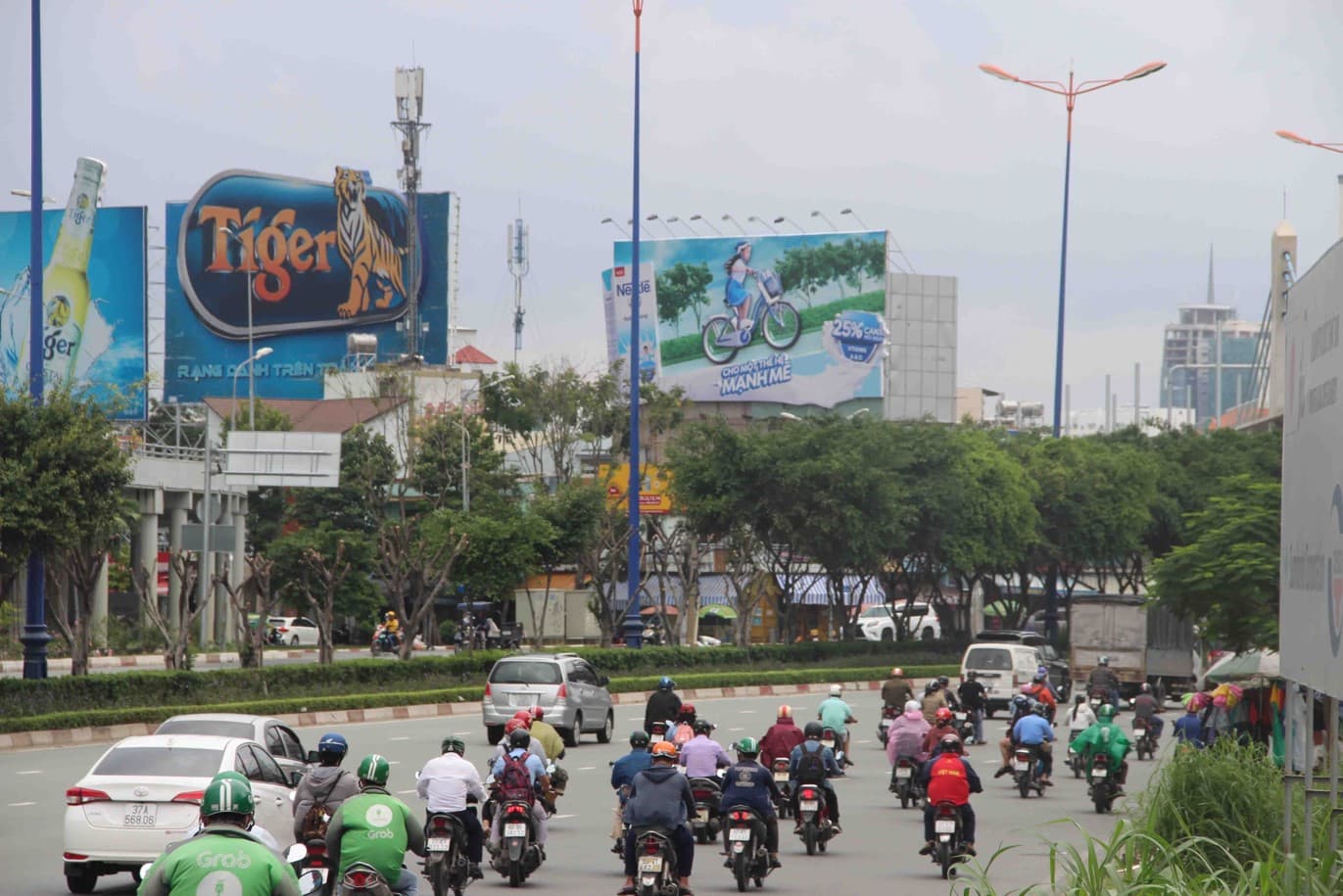
Renting an outdoor advertising board: 7 steps from idea to the day it goes up
From the campaign goal, the area and the board type to the quote, contract, printing and installation, and sign-off by photo — a short process for first-time buyers and agencies alike.
1. Write the goal in one sentence
«Open a new shop in Thủ Đức in December» and «keep the brand on the airport road all through Tết» lead to very different locations. The goal decides the area, the board type and the term.
2. Pick the area on the map
Open the board map, filter by province or district, or search around a place (a shop, a school, an industrial park) within 500 m – 10 km. For a quick look at a whole province: Boards by province.
3. Choose the board type
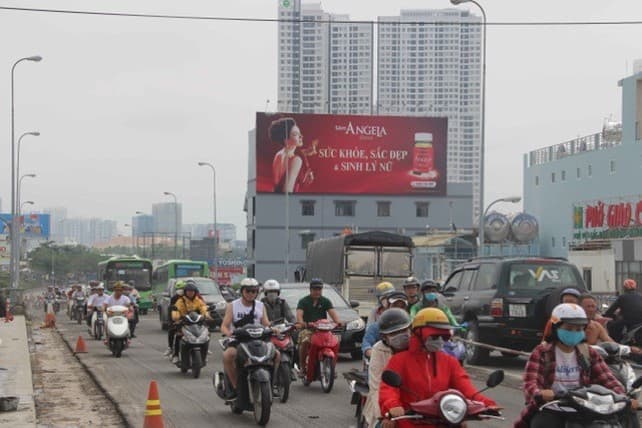
Pole billboards on main roads for reach, wall billboards at city junctions, LED screens for changing content, light boxes and bus shelters for walking areas. More in types of outdoor advertising boards.
4. Set the budget and dates
List prices on WikiOOH are rents, excluding VAT and usually excluding printing and installation. Long terms usually cost less per month. Reference prices by province: board rates in 2026.
5. Make a plan and get a quote
Add the boards you like to a plan, choose the start date and the number of months, and send a quote request. WikiOOH asks each owner whether the board is free, the final price for your exact term and the board's documents — then sends one quote, usually within a working day. Agencies can send the plan to their client as a link or a PDF.
6. Contract, design, printing and installation
The contract states the location, size, run dates, printing and installation costs, and who is responsible if the board is damaged. Design to the exact size and the rules on advertising content; some products (medicines, dietary supplements…) need their content approved before they are advertised.
7. Sign off by photo
Ask for photos of the board once it is up (day and night) with the time they were taken; during the run you can ask for photos at intervals. On WikiOOH each board shows the date of its latest photo, so you know whether the photo is recent.
Want someone to choose for you? Call or message on Zalo 0933 15 99 88 — WikiOOH advises buyers free of charge.