WikiOOH for agencies
A report for your client, not ten chats. Each client's plans, quotes, orders and proof photos in one place — free.
.jpg&w=1920&q=75)
Free for agencies
- An agency works for several clients: in Clients (account menu) press Add a client and enter its name, its brands and, if you like, a logo. Plans, quotes, orders and photo reports with those brands show on the client's page by themselves — just write the Brand when you make a plan or edit an order. Each brand belongs to one client. Free.
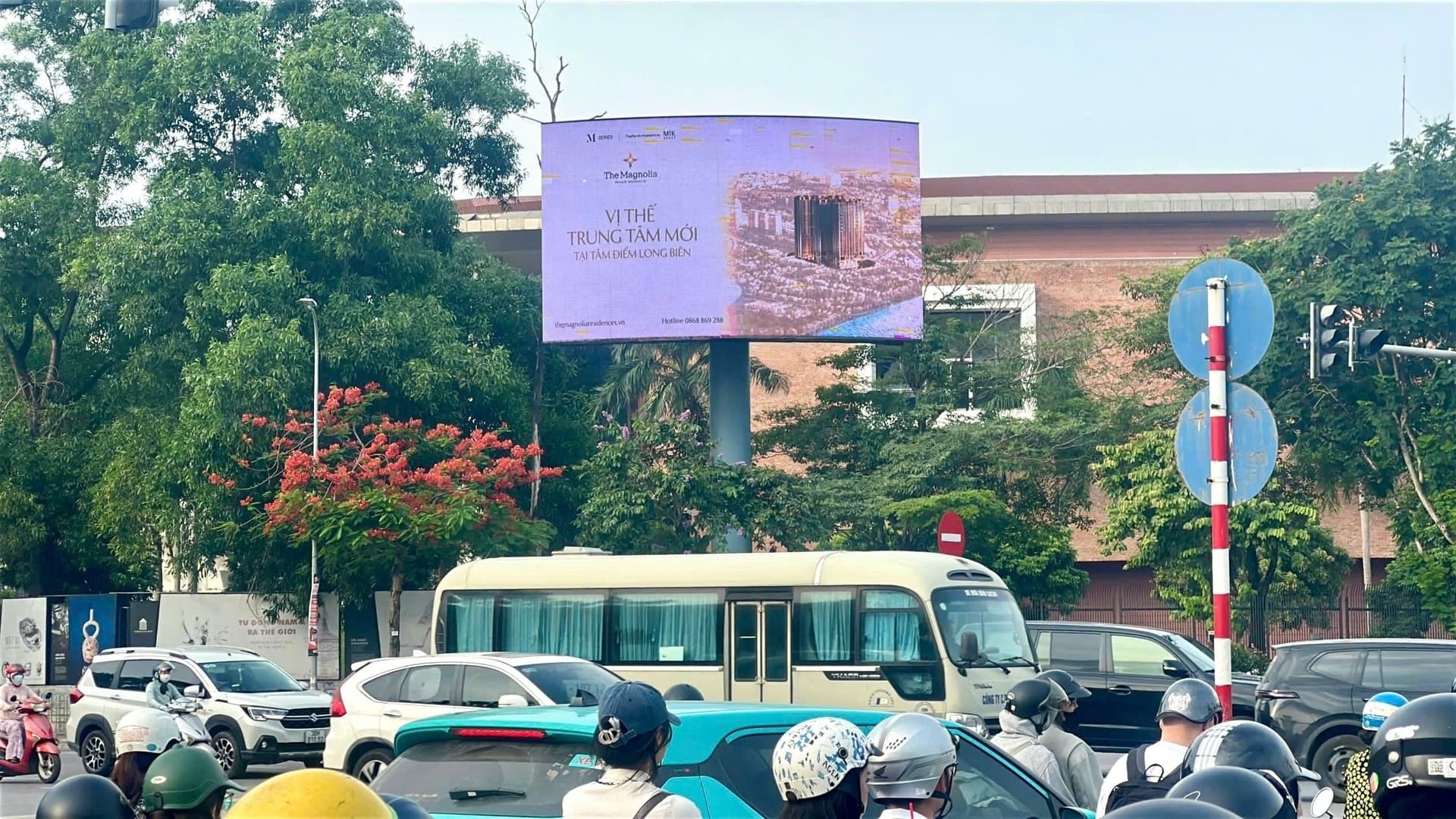
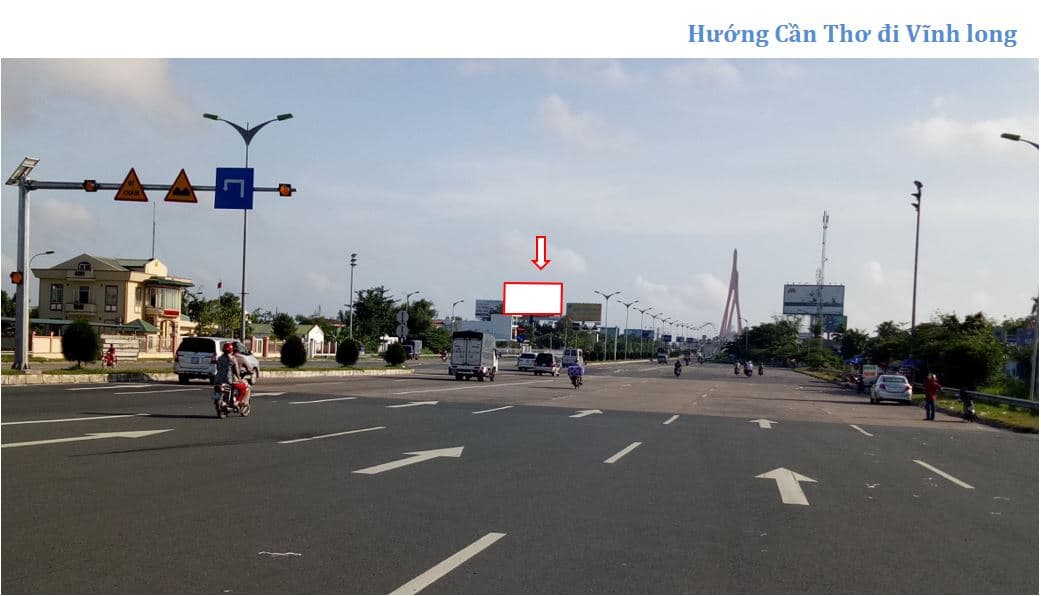
- While a board is being put up or is live, its photos sit at the top of the order line: how many, the latest day taken, who sent them. A photo opens full screen; swipe or use the arrow keys to step through. «Photo report» puts the photos of every board of the order on one page to print or save as a PDF for your client.
Before and after
Before: messaging each owner «is the ad up yet?», waiting till evening for photos, putting them together for the client yourself.
With WikiOOH: proof photos sit in the order; «Photo report» puts every board of the order on one page to send to the client. Need a third party to confirm — request Onsite.
A planner's morning
- 09:00 — opens Clients: each client's plans, quotes and orders in one place.
- 09:02 — sees new proof photos in an order and asks WikiOOH right in the order line.
- 09:05 — sends the client a one-page «Photo report» PDF.
On-site checks on request
The owner sends photos once the ad is up. Want a third party to confirm? Request an Onsite check: a WikiOOH person visits the board, photos carry server time and GPS, AI matches the brand. What is an on-site check?
Sign up free, then add your clients in Clients with their name, brands and logo.
Hotline 0933 15 99 88, email [email protected], or send a message on the Contact page.